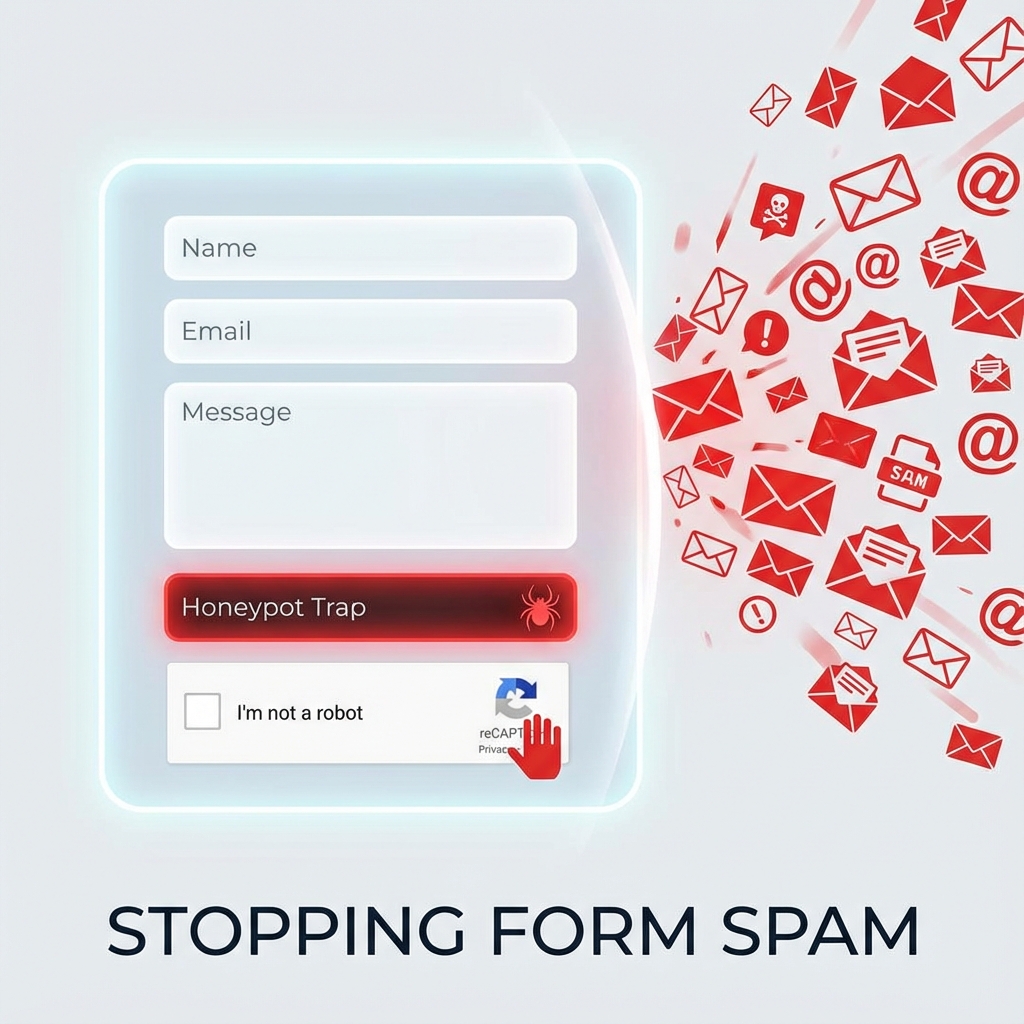
Form spam wastes time, clutters databases, and can harm your site's reputation if it leads to email blacklisting. But aggressive anti-spam measures frustrate legitimate users and reduce conversions. This guide covers spam prevention techniques that stop bots while maintaining a smooth experience for real visitors.
- Honeypot fields stop most basic bots with zero user friction
- Time-based validation catches bots that submit instantly
- reCAPTCHA v3 provides invisible protection without challenges
- Layer multiple techniques for comprehensive coverage
I. Understanding Form Spam
Different spam types require different countermeasures.
A. Types of Form Spam
- Bot spam: Automated scripts filling forms—most common, usually crude.
- Manual spam: Humans posting spam links—harder to stop, less frequent.
- Credential stuffing: Bots testing stolen login credentials.
- Comment spam: SEO link spam on blogs and forums.
B. Impact of Form Spam
- Email reputation: Spam through contact forms can get your mail server blacklisted.
- Database bloat: Thousands of spam entries slow site performance.
- Missed leads: Real inquiries get buried in spam.
- Security risks: Some spam attempts injection attacks.
II. Honeypot Fields
The most user-friendly spam prevention—invisible to humans, irresistible to bots.
A. How Honeypots Work
- Hidden field: A form field that's invisible to users via CSS.
- Bot behavior: Bots fill all fields they find, including the honeypot.
- Detection: If honeypot is filled, submission is from a bot—reject it.
- User experience: Zero friction for legitimate users.
B. Implementation
<!-- HTML with honeypot field -->
<form method="post" action="/contact">
    <input type="text" name="name" placeholder="Your Name">
    <input type="email" name="email" placeholder="Email">

    <!-- Honeypot - hidden from users -->
    <div class="hp-field" aria-hidden="true">
        <input type="text" name="website_url" tabindex="-1"
               autocomplete="off">
    </div>

    <textarea name="message"></textarea>
    <button type="submit">Send</button>
</form>

<style>
.hp-field {
    position: absolute;
    left: -9999px;
    height: 0;
    width: 0;
    overflow: hidden;
}
</style>
C. Server-Side Validation
// PHP validation
if (!empty($_POST['website_url'])) {
    // Honeypot was filled - this is a bot
    http_response_code(400);
    exit('Invalid submission');
}

// Process legitimate submission
processForm($_POST);III. Time-Based Validation
Bots submit forms almost instantly. Humans take time to read and fill them.
A. Minimum Time Check
// Generate form with timestamp
<input type="hidden" name="form_time"
       value="<?php echo time(); ?>">

// Validation: reject if submitted in under 3 seconds
$form_time = intval($_POST['form_time']);
$submission_time = time();
$elapsed = $submission_time - $form_time;

if ($elapsed < 3) {
    // Too fast - likely a bot
    http_response_code(400);
    exit('Please slow down');
}

// Also check for stale forms (optional)
if ($elapsed > 3600) { // 1 hour
    http_response_code(400);
    exit('Form expired. Please refresh and try again.');
}
B. Token-Based Timing
- Encrypted timestamp: Prevents bots from spoofing the time value.
- Session storage: Store form generation time in session for verification.
- JavaScript timestamp: Record when page loaded via JS for additional check.
IV. reCAPTCHA Implementation
Google's reCAPTCHA provides reliable bot detection with varying user friction.
A. reCAPTCHA Versions Compared
- v2 Checkbox: "I'm not a robot" checkbox—some friction, high effectiveness.
- v2 Invisible: Shows challenges only to suspicious visitors.
- v3 (recommended): Completely invisible, returns score 0.0-1.0.
B. reCAPTCHA v3 Implementation
<!-- Include reCAPTCHA script -->
<script src="https://www.google.com/recaptcha/api.js?render=YOUR_SITE_KEY"></script>

<script>
document.querySelector('form').addEventListener('submit', function(e) {
    e.preventDefault();

    grecaptcha.ready(function() {
        grecaptcha.execute('YOUR_SITE_KEY', {action: 'contact'})
            .then(function(token) {
                // Add token to form
                document.getElementById('recaptcha_token').value = token;
                // Submit form
                e.target.submit();
            });
    });
});
</script>

<input type="hidden" name="recaptcha_token" id="recaptcha_token">
C. Server-Side Verification
// Verify reCAPTCHA token
function verifyRecaptcha($token) {
    $secret = 'YOUR_SECRET_KEY';

    $response = file_get_contents(
        'https://www.google.com/recaptcha/api/siteverify?secret='
        . $secret . '&response=' . $token
    );

    $result = json_decode($response);

    // Score of 0.5+ is likely human
    return $result->success && $result->score >= 0.5;
}

if (!verifyRecaptcha($_POST['recaptcha_token'])) {
    http_response_code(400);
    exit('Verification failed');
}
V. Content-Based Filtering
Analyze submission content for spam patterns.
A. Common Spam Indicators
- Multiple URLs: Legitimate contact messages rarely contain many links.
- Spam keywords: Pharmaceutical terms, casino references, etc.
- Cyrillic in English forms: Often indicates non-targeted spam.
- All caps: Spam often uses excessive capitalization.
B. Basic Content Filter
function checkForSpam($message) {
    // Count URLs
    $url_count = preg_match_all('/https?:\/\//', $message);
    if ($url_count > 2) {
        return true; // Spam
    }

    // Check for spam keywords
    $spam_keywords = ['viagra', 'casino', 'cryptocurrency', 'lottery'];
    foreach ($spam_keywords as $keyword) {
        if (stripos($message, $keyword) !== false) {
            return true;
        }
    }

    return false;
}
VI. WordPress-Specific Solutions
Plugins and configurations for WordPress forms.
A. Comment Spam Prevention
- Akismet: Free for personal use, excellent spam detection service.
- Antispam Bee: Privacy-focused alternative, no external service.
- Comment moderation: Hold comments with links for manual approval.
B. Form Plugin Settings
- Contact Form 7: Enable Akismet integration, add honeypot with plugins.
- WPForms: Built-in honeypot, reCAPTCHA integration.
- Gravity Forms: Anti-spam field, conditional logic for detection.
C. Login Form Protection
// Add to functions.php
// Limit login attempts
add_filter('authenticate', 'check_login_attempts', 30, 3);

function check_login_attempts($user, $username, $password) {
    $ip = $_SERVER['REMOTE_ADDR'];
    $attempts = get_transient('login_attempts_' . $ip);

    if ($attempts >= 5) {
        return new WP_Error('too_many_attempts',
            'Too many failed attempts. Please wait 15 minutes.');
    }

    return $user;
}
VII. Rate Limiting
Prevent rapid-fire form submissions from the same source.
A. IP-Based Rate Limiting
function checkRateLimit($ip, $limit = 5, $window = 60) {
    $cache_key = 'rate_limit_' . md5($ip);
    $attempts = get_transient($cache_key) ?: 0;

    if ($attempts >= $limit) {
        return false; // Rate limited
    }

    set_transient($cache_key, $attempts + 1, $window);
    return true;
}

if (!checkRateLimit($_SERVER['REMOTE_ADDR'])) {
    http_response_code(429);
    exit('Too many requests. Please try again later.');
}
B. Considerations
- Shared IPs: Corporate networks share IPs—don't rate limit too aggressively.
- User feedback: Show remaining time when rate limited.
- Exemptions: Logged-in users might get higher limits.
VIII. Layered Defense Strategy
Combine techniques for comprehensive protection.
A. Recommended Layers
- Layer 1 - Honeypot: Catches basic bots with zero friction.
- Layer 2 - Time check: Catches automated instant submissions.
- Layer 3 - reCAPTCHA v3: Invisible scoring for sophisticated bots.
- Layer 4 - Content filter: Catches spam that gets through.
- Layer 5 - Rate limiting: Prevents abuse even from passing forms.
B. Fallback Strategy
- Low reCAPTCHA score: Show reCAPTCHA v2 checkbox for verification.
- Suspicious content: Hold for moderation rather than reject.
- Rate limited: Allow retry after cooldown period.
IX. Conclusion
Effective spam prevention balances security with user experience. Start with zero-friction techniques like honeypots and time checks—they block most basic bots. Add reCAPTCHA v3 for invisible protection against sophisticated attacks. Use content filtering as a backup layer, and implement rate limiting to prevent abuse. The goal is stopping spam while making legitimate form submission as seamless as possible.
What anti-spam techniques have worked best for your sites? Share your experience in the comments!