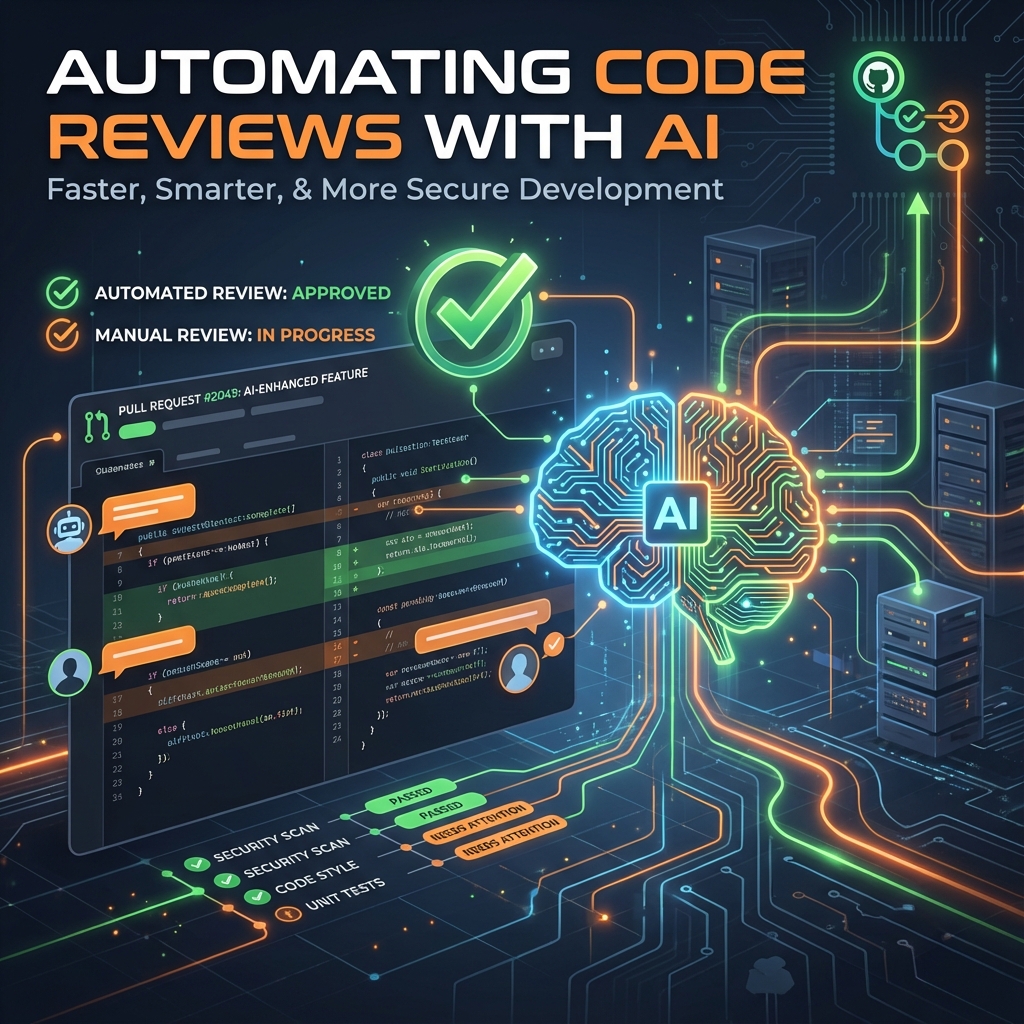
Code reviews are essential for maintaining code quality, but they consume significant developer time. AI-powered code review tools can handle routine checks—style violations, common bugs, security issues—freeing human reviewers for architectural decisions and complex logic review. This guide covers how to set up automated AI code reviews that complement rather than replace human expertise.
- AI reviews catch pattern-based issues instantly, reducing human reviewer burden
- GitHub Actions integration enables automatic review on every pull request
- Multiple AI tools can work together covering different aspects of code quality
- Human review remains essential for business logic and architectural decisions
I. Understanding AI Code Review Capabilities
AI code review tools have specific strengths and limitations. Understanding these helps set appropriate expectations.
A. What AI Reviews Excel At
- Style consistency: Formatting, naming conventions, code organization patterns.
- Common bugs: Null pointer risks, off-by-one errors, resource leaks.
- Security vulnerabilities: SQL injection, XSS patterns, insecure configurations.
- Performance issues: N+1 queries, inefficient algorithms, memory leaks.
- Code duplication: Copy-paste detection, suggesting abstractions.
B. What Still Needs Humans
- Business logic validation: Does the code correctly implement requirements?
- Architectural decisions: Is this the right approach for the system?
- Context-specific judgments: Trade-offs that require domain knowledge.
- Novel implementations: Uncommon patterns AI hasn't seen before.
II. Popular AI Code Review Tools
Several tools provide AI-powered code review with different strengths.
A. CodeRabbit
- Features: Comprehensive PR reviews, line-by-line suggestions, summary generation.
- Integration: GitHub and GitLab native apps.
- Strengths: Natural language explanations, context-aware suggestions.
- Pricing: Free tier available, paid plans for teams.
B. Amazon CodeGuru
- Features: Security scanning, performance recommendations, code quality analysis.
- Integration: AWS native, GitHub/Bitbucket support.
- Strengths: Deep AWS service integration, ML-powered analysis.
- Pricing: Pay per lines analyzed.
C. Sourcery
- Features: Python-focused refactoring suggestions, code quality metrics.
- Integration: IDE plugins, GitHub integration.
- Strengths: Instant feedback during coding, learns team patterns.
- Pricing: Free for open source, paid for private repos.
III. Setting Up GitHub Actions for AI Review
GitHub Actions provides the foundation for automated review workflows.
A. Basic Workflow Structure
name: AI Code Review

on:
  pull_request:
    types: [opened, synchronize]

jobs:
  ai-review:
    runs-on: ubuntu-latest
    permissions:
      contents: read
      pull-requests: write

    steps:
      - uses: actions/checkout@v4
        with:
          fetch-depth: 0

      - name: Run AI Review
        uses: coderabbitai/ai-pr-reviewer@latest
        env:
          GITHUB_TOKEN: ${{ secrets.GITHUB_TOKEN }}
          OPENAI_API_KEY: ${{ secrets.OPENAI_API_KEY }}
        with:
          review_comment_lgtm: false
B. Configuring Review Scope
- File patterns: Limit review to specific file types or directories.
- Path exclusions: Skip generated files, vendor directories, test fixtures.
- Branch targeting: Only review PRs to specific branches.
IV. Multi-Tool Review Pipeline
Combine multiple tools for comprehensive coverage.
A. Layered Review Strategy
jobs:
  lint:
    runs-on: ubuntu-latest
    steps:
      - uses: actions/checkout@v4
      - name: ESLint
        run: npx eslint . --format json > eslint-report.json

  security:
    runs-on: ubuntu-latest
    steps:
      - uses: actions/checkout@v4
      - name: Snyk Security Scan
        uses: snyk/actions/node@master
        env:
          SNYK_TOKEN: ${{ secrets.SNYK_TOKEN }}

  ai-review:
    needs: [lint, security]
    runs-on: ubuntu-latest
    steps:
      - name: AI Code Review
        uses: coderabbitai/ai-pr-reviewer@latest
        # AI reviews after static analysis passes
B. Tool Responsibilities
- ESLint/Prettier: Formatting and basic JavaScript/TypeScript rules.
- Snyk/Dependabot: Dependency vulnerabilities.
- SonarQube: Code smells, complexity metrics, duplication.
- AI Review: Higher-level suggestions, context-aware feedback.
V. Customizing AI Review Behavior
Configure AI reviews to match your team's standards.
A. Custom Review Instructions
# .coderabbit.yaml
reviews:
  high_level_summary: true
  review_status: true
  poem: false

instructions: |
  - Focus on security issues in authentication code
  - Flag any hardcoded credentials or API keys
  - Check for proper error handling in API routes
  - Ensure database queries use parameterized statements
  - Verify React components handle loading/error states
B. Severity Configuration
- Block on critical: Security vulnerabilities, data loss risks.
- Warn on medium: Performance issues, code smells.
- Suggest for minor: Style improvements, refactoring opportunities.
VI. Integrating with Existing Workflows
AI reviews should complement your current process, not disrupt it.
A. Review Timing Strategies
- Pre-human review: AI reviews first, humans see clean code with AI suggestions addressed.
- Parallel review: AI and human review simultaneously for faster turnaround.
- Post-human review: AI catches anything humans missed before merge.
B. PR Template Updates
## AI Review Status
- [ ] AI review completed
- [ ] Critical issues addressed
- [ ] Security suggestions reviewed

## Human Review Checklist
- [ ] Business logic validated
- [ ] Architecture reviewed
- [ ] Test coverage acceptable
VII. Measuring Review Effectiveness
Track metrics to ensure AI reviews provide value.
A. Key Metrics
- Time to first review: How quickly does the PR get initial feedback?
- Human review time: Has it decreased since adding AI review?
- Accepted suggestions rate: What percentage of AI suggestions are useful?
- Post-merge bugs: Have production issues decreased?
B. Feedback Loops
- Track dismissed suggestions: If AI consistently makes unhelpful suggestions, refine configuration.
- Team surveys: Do developers find AI reviews helpful or noisy?
- False positive tracking: Identify and tune away false alarms.
VIII. Common Implementation Challenges
- Alert fatigue: Too many minor suggestions lead developers to ignore all feedback. Start strict, relax rules as needed.
- Context limitations: AI may not understand your specific architecture. Use custom instructions to provide context.
- Cost management: API costs can accumulate. Set up budget alerts and limit review scope.
- False confidence: Teams may reduce human review rigor too quickly. AI supplements, not replaces.
IX. Best Practices
- Start small: Begin with one repository, prove value before rolling out widely.
- Iterate on config: Regularly update review instructions based on team feedback.
- Maintain human ownership: Someone must still approve and merge—AI advises only.
- Document decisions: Record why certain AI suggestions were accepted or rejected.
- Monitor costs: Track API usage and optimize prompts to reduce unnecessary calls.
X. Conclusion
AI-powered code review automation reduces the routine burden on developers while maintaining code quality. The key is proper configuration—tailoring AI behavior to your team's standards and integrating it smoothly into existing workflows. Start with clear goals, measure results, and iterate on your setup. Remember that AI reviews are most effective when they handle the routine checks, freeing human reviewers to focus on the complex decisions that require domain knowledge and judgment.
What AI code review tools has your team adopted? Share your experience in the comments!